How to Fix n8n MCP Server Trigger 503 Behind NGINX Reverse Proxy
You connect Gemini Enterprise to self-hosted n8n, click Reload custom actions, and get a 503 with UPSTREAM_CONNECTION_FAILURE. Postman reaches /mcp fine, and the NGINX log shows nothing from Gemini. The proxy looks healthy, yet the client insists the server is down.
Checked on 2026-11-21 against the n8n MCP Server Trigger docs, the n8n reverse-proxy guide, and the community thread where this failure was resolved.
Quick answer
The 503 usually means the request never reached n8n. Check the saved URL is the HTTPS production URL, confirm the certificate is not a wildcard cert, and give NGINX an unbuffered /mcp/ location. Then retest.
The hard part is proving where the request dies, not fixing NGINX. A 503 from Google’s gateway means the failure happened before your server saw anything.
What broke, and why
The real case ran on 2026-10-02. Gemini Enterprise sent an initialize request (protocol version 2025-11-25) to POST /mcp/<path> and got HTTP 503 from Google’s Envoy gateway, with x-envoy-upstream-service-time of 93 ms. That 93 ms is the tell: the gateway answered in 93 ms, and nothing reached the NGINX logs.
Three causes fit that shape:
- Wrong URL saved in the client. The trace showed an
http://URL, but Google requires HTTPS with a publicly trusted certificate for a custom MCP server. - Wildcard certificate. With Google support’s help, the author found Gemini Enterprise struggled with the
*in the certificate. Replacing it with one covering the exact hostname fixed everything. - Wrong transport. Gemini Enterprise requires streamable HTTP and does not support legacy SSE. n8n’s docs confirm the MCP Server Trigger supports both SSE and streamable HTTP, so the trigger is fine, but an SSE-only client cannot finish this handshake. The MCP specification documents streamable HTTP as the current transport.
NGINX is not on that list: Postman reaching /mcp already proved it passes traffic. Editing the proxy further is the trap this failure sets.
The fix
Work through these in order and stop as soon as the reload works.
1. Give NGINX an unbuffered /mcp/ location. n8n’s docs are direct: “you need to disable proxy buffering for the endpoint.” Add this to your server block, then reload NGINX:
location /mcp/ {
    proxy_pass http://127.0.0.1:5678;
    proxy_http_version 1.1;
    proxy_buffering off;
    gzip off;
    chunked_transfer_encoding off;
    proxy_set_header Connection '';
    proxy_set_header Host $host;
    proxy_set_header X-Forwarded-Proto https;
}
2. Tell n8n its public URL. In your n8n environment (n8n 2.30.0 or later; WEBHOOK_URL before that, deprecated from 2.35.0), set:
N8N_WEBHOOK_URL=https://n8n.example.com/
N8N_PROXY_HOPS=1
Use your real domain, not n8n.example.com (Example, replace with your values). Recreate the container with docker compose up -d.
3. Check the certificate, then the saved URL. This was the actual root cause in the reported case. Check the certificate covers the exact hostname:
openssl s_client -connect n8n.example.com:443 -servername n8n.example.com </dev/null 2>/dev/null | openssl x509 -noout -subject -ext subjectAltName
If the subjectAltName shows *.example.com, get a certificate for the exact hostname (a per-host Let’s Encrypt certificate is enough). Then copy the Production URL from the trigger node (not the Test URL), paste it into Gemini, and reload custom actions.
Pitfalls that make the fix look like it failed
| Symptom | Likely cause | What to do |
|---|---|---|
| Still 503, nothing in NGINX logs | Saved URL still http://, or still the Test URL | Copy the Production URL and re-paste it |
| Still 503 after the cert change | Old certificate cached, or NGINX not reloaded | Run nginx -t && nginx -s reload and re-check |
| Works in Postman, fails in Gemini | Transport mismatch: client expects SSE, Gemini needs streamable HTTP | Confirm the client uses streamable HTTP |
| Intermittent failures under load | Queue mode with several webhook replicas | Route all /mcp* requests to one dedicated replica |
Editor shows localhost:5678 URLs | N8N_WEBHOOK_URL missing or n8n not restarted | Set the variable and recreate the container; see our webhook URL fix |
If the proxy itself misbehaves, our n8n Connection Lost fix covers the editor’s live connection, and the Ubuntu VPS install guide shows a known-good baseline.
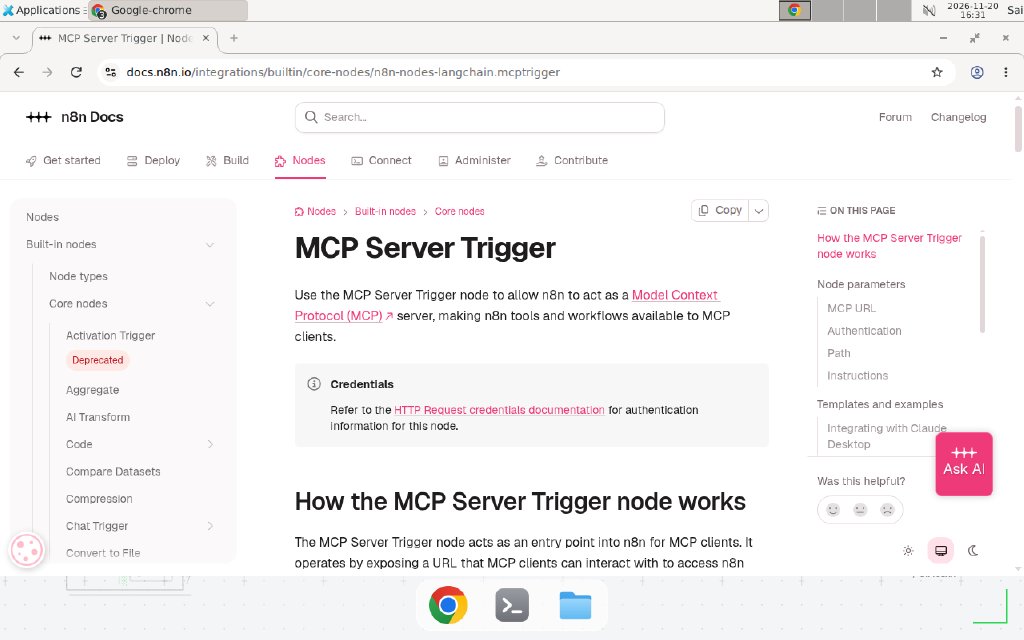
The n8n MCP Server Trigger docs page, checked 2026-11-21.
How to verify the fix worked
Tail the NGINX access log, then click Reload custom actions in Gemini. You should see a POST /mcp/<your-path> line returning 200, followed by a tools/list request. If the log stays empty, the request still dies before your server.
Before you trust the setup: reload twice and get the tool list both times; the list matches the tools attached to the trigger; a test call runs the workflow and shows a green execution.
When this article does not apply
On n8n Cloud, you cannot touch NGINX or environment variables, so steps 1 and 2 do not exist for you. Use n8n Cloud’s instance-level MCP server instead. If your 503 comes from your own NGINX, the request did reach your server, so check that the upstream on port 5678 is alive. If your client only supports legacy SSE, no NGINX change will help: you need a client that speaks streamable HTTP, or a supergateway bridge.
We could not verify whether Gemini Enterprise still rejects wildcard certificates in every region. The failure above comes from the community thread and Google support, not our own lab, so treat it as the first thing to check, not a guarantee.
Frequently asked questions
Why does Postman reach my n8n MCP endpoint but Gemini Enterprise gets a 503?
Postman proves NGINX and n8n work. The 503 comes from Google's gateway before the request reaches your server, so the cause is on the client side: the saved URL, the certificate, or the transport. Stop editing NGINX and check those three first.
Does the n8n MCP Server Trigger use SSE or streamable HTTP?
Both. The n8n docs say the MCP Server Trigger node supports Server-Sent Events (SSE) and streamable HTTP, but not stdio. Gemini Enterprise requires streamable HTTP and does not support the legacy SSE transport, so an SSE-only setup fails its handshake.
Which URL should I paste into the MCP client, test or production?
The production URL, copied from the MCP Server Trigger node after the workflow is active. The test URL only works while you listen for a test event in the editor, and an http URL fails outright because Google requires HTTPS with a publicly trusted certificate.
Can a wildcard certificate really cause a 503?
Yes. In the community case this article is based on, Google Gemini Enterprise struggled with the wildcard in the certificate. Replacing it with a certificate covering the exact hostname fixed the 503 immediately, with no other change.