How to Fix Make WhatsApp Business Watch Events Not Receiving Messages (Coexistence)
What broke
Your Make scenario is active, the connection shows Verified, the webhook shows Active, and Messages is selected. A customer texts your number, the message arrives on your phone, and Make does nothing. The webhook queue reads “No items found” and the history has no executions.
Quick answer: Check the number’s status in WhatsApp Manager. If Connected, the messages field is probably unsubscribed, so delete the Watch Events module and re-add it. If Pending, wait for the Coexistence handover.
The hard part is not the Make scenario, it is the Meta side: a green Verified badge says nothing about whether Meta routes inbound messages to Make.
Checked on 2026-11-14 against Meta’s webhooks documentation and Meta’s Coexistence onboarding guide.
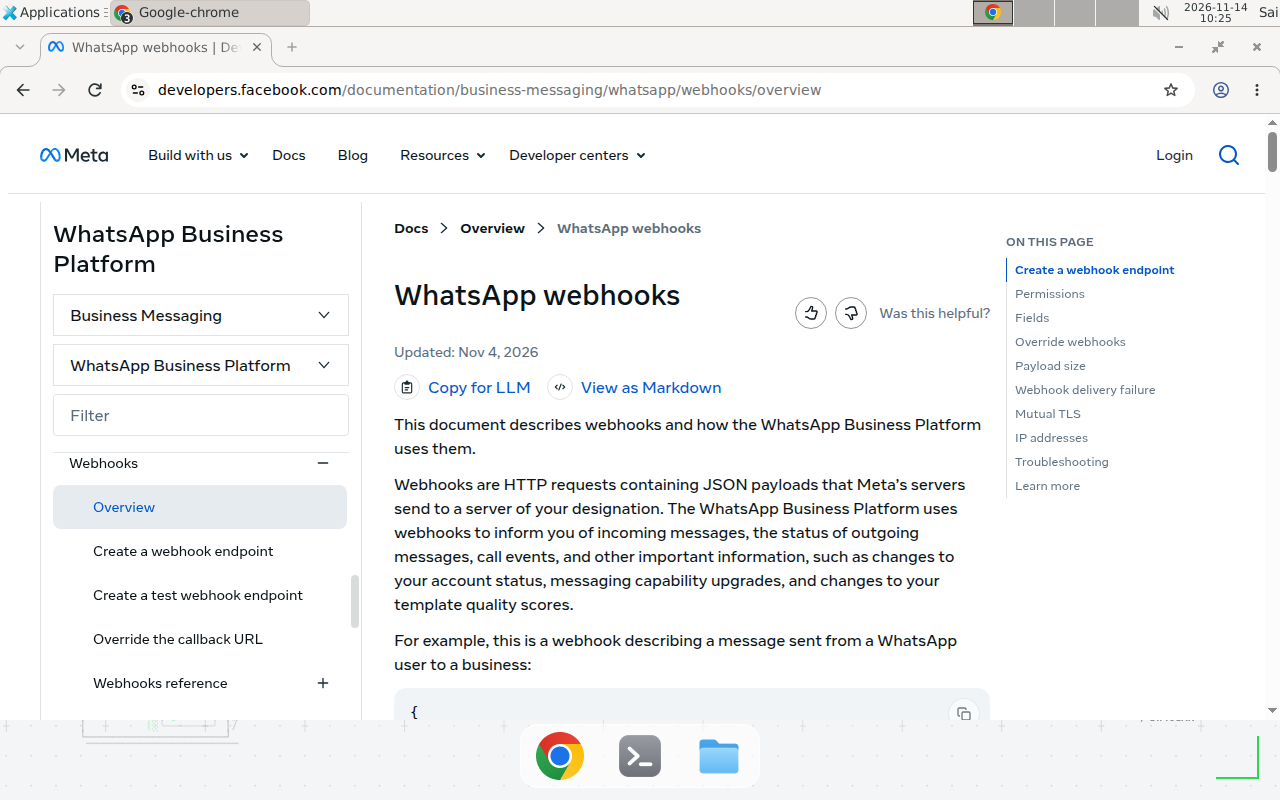
Meta’s WhatsApp webhooks documentation, checked 2026-11-14.
Make’s community has several open threads with the same shape, including one from September 22, 2026 where everything showed green yet nothing arrived. Meta’s documentation explains the split: “The messages webhook describes messages sent from a WhatsApp user to a business and the status of messages sent by a business to a WhatsApp user.” That field has to be subscribed for your account, and in a Coexistence setup the handover has to finish first. Meta also caps a Coexistence number at 20 messages per second and gives partners a 24-hour window to sync contacts and the last six months of chats.
The fix
Work through these checks in order, stopping at the first failure.
- Check the number’s status. In Meta Business Suite, open WhatsApp Manager, then Phone numbers. The number must read Connected. If it reads Pending, Coexistence is still running: wait, then send a new test message. Do not rebuild anything yet.
- Check which account owns the number. Confirm the number sits in the same WhatsApp Business Account (WABA) your Make connection uses. An earlier onboarding attempt often leaves a second WABA behind.
- Check the field subscription. Meta’s docs say to “use the App Dashboard > WhatsApp > Configuration panel to subscribe to individual webhook fields.” Confirm
messagesis ticked; Make’s managed app normally subscribes it during signup, but that call can silently fail. - Delete and re-add the Watch Events module. Editing an existing Watch Events webhook is disabled, so a stale registration cannot be patched. Delete the module, add a fresh one to the same connection, and re-select Messages.
- Send a template message from Make. If it fails with error 133010 (Account not registered), run Make’s Register a Sender module once with a PIN.
Pitfalls
| Pitfall | Why it happens | What to do |
|---|---|---|
| Testing minutes after linking the number | Handover and history sync take time, up to 24 hours | Wait for Connected, then test in a fresh thread |
| Two Watch Events modules on one number | One callback per app, so only one receiver gets each event | One Watch Events module plus a Router, or hand off via HTTP |
| Rebuilding instead of deleting the module | Rebuilding keeps the stale registration | Delete the module entirely and add a fresh one |
| Testing with the number’s own phone | Messages from the business number never arrive as inbound events | Test from a different phone number |
| Group messages never arrive | Group chats do not sync to the Cloud API in Coexistence | Test with a one-to-one message |
Verify the fix
Set the scenario to Run Once, then send a test message from a different phone. The Watch Events module should output a bundle with a wamid message ID within seconds. If the queue is still empty, check Webhooks in Make’s left menu and confirm the number still reads Connected.
Test before you rely on it: send one message from a second phone and confirm a bundle arrives; send a second and confirm no duplicate run fires; check the history shows the wamid; confirm a template message from Make also delivers.
When this article does not apply
If you signed up with the regular Cloud API flow, not Coexistence, and your number was never on the WhatsApp Business app, the handover checks do not apply. Check the field subscription and the WABA match first. If Meta reports an integrity lock on the number or a completion percentage stuck below 100 percent, stop debugging and open a ticket with Meta, quoting the phone number ID, the WABA ID, and the lock reason. We could not verify the re-registration step inside a live Make account; Make’s community reports say deleting and re-adding the module forces a fresh registration.
For the wider WhatsApp setup, the Meta WhatsApp Business MCP server guide covers Meta’s official server for AI agents, and the n8n WhatsApp channel guide shows the same inbound pattern in n8n. The Make MCP server tutorial turns a scenario into a tool Claude or ChatGPT can call.
Conclusion
Outbound working while inbound stays silent is diagnostic: your connection is fine, and the routing on Meta’s side is not. Check the number status, the WABA match, and the messages subscription, then delete and re-add the Watch Events module. If the number still reads Pending after a day, are you debugging a webhook Meta has not switched on yet?
Frequently asked questions
Why does Make show the WhatsApp connection as Verified but Watch Events receives nothing?
Verified only means the OAuth connection works. Inbound events need a separate step: Meta must route messages to Make's webhook, which requires the messages field to be subscribed for your WhatsApp Business Account and the Coexistence handover to be finished. Either can be missing while the connection still shows Verified.
How do I know if Coexistence has finished handing over my number?
Open WhatsApp Manager, then Phone numbers, and check the number's status. It must read Connected. If it reads Pending, the handover is still running and inbound messages keep landing only in the WhatsApp Business app on your phone. Wait for Connected, then send a fresh test message.
Can I edit the existing Watch Events webhook to fix the subscription?
No. Edit is disabled on an existing Watch Events webhook. Delete the Watch Events module and add a fresh one, which forces Make to register a new webhook against your current verified connection.
Can two Make scenarios both watch the same WhatsApp number?
Not reliably. A number has one webhook callback per app, so each event goes to only one receiver. Use a single Watch Events module followed by a Router that splits by message type or sender, or hand bundles to the second scenario through an HTTP request to a Custom Webhook.