How to Fix n8n Respond to Webhook Not Working and Return Custom Error Responses
What broke
You wire up a Respond to Webhook node with a JSON body and a 400 status code, call the webhook, and get back an empty 200. Or your error branch never answers and the caller times out. The node looks broken, but it never ran.
Quick answer: Set the Webhook trigger’s Respond option to “Using ‘Respond to Webhook’ node”, then add a Respond to Webhook node with Respond With set to JSON and a Response Code. If the trigger still answers Immediately, your custom response never runs.
The hard part is not the Respond to Webhook node, it is the Webhook trigger’s Respond setting, which defaults to Immediately and silently answers before your node ever runs.
Checked on 2026-11-14 against the official Respond to Webhook docs and Webhook node docs. New to webhooks? The complete n8n guide covers trigger setup.
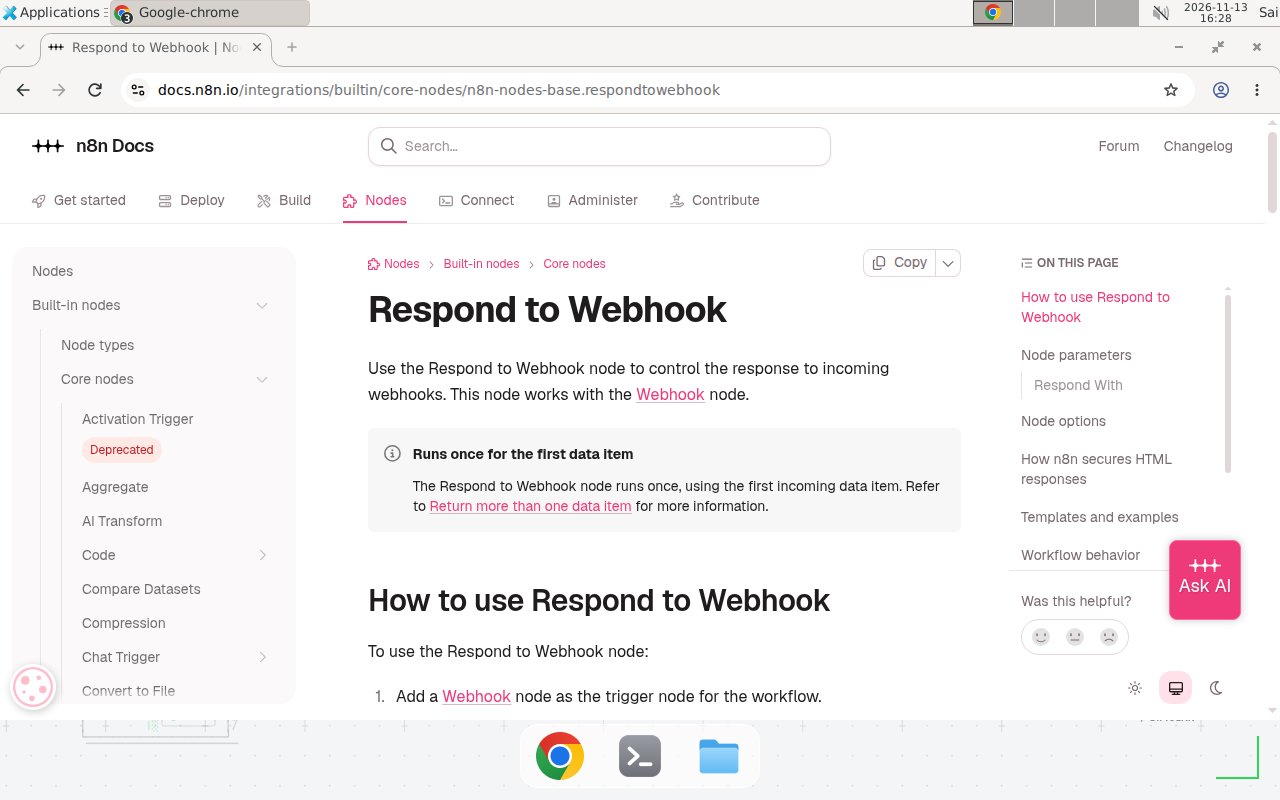
The official Respond to Webhook docs, checked 2026-11-14.
n8n has more than 210,000 stars on GitHub as of November 2026, and webhooks are how most users turn a workflow into an API. The official docs state plainly: “The workflow errors before the first Respond to Webhook node executes: the workflow returns an error message with a 500 status.” The same page adds two rules that explain most empty responses: the node “runs once, using the first incoming data item”, and a second Respond to Webhook node after the first one is ignored. If webhooks are new to you, the complete n8n guide covers the trigger setup this fix builds on.
The fix
- Open the Webhook trigger node. Change Respond from Immediately to Using ‘Respond to Webhook’ node. Save the workflow and re-activate it. The Production URL works only while active.
- Add a Respond to Webhook node after the nodes whose data you want to return. The official Respond to Webhook documentation lists every Respond With option, including JSON, Text, Redirect, and No Data.
- Set Respond With to JSON and put your body in Response Body as an expression:
={{ { error: "missing order_id", code: "VALIDATION_FAILED" } }}
- Under Add Option, set Response Code to 400 for bad input or 500 for a server failure, and add a Response Headers entry of
Content-Type: application/json. - For the error path, put an IF node before the response: valid input goes to a success Respond node returning 200, invalid input to the error Respond node returning 400. Only one Respond node runs per execution, so one per branch is safe.
- To return a custom error when a node itself throws, open that node’s Settings tab, set On Error to Continue (using error output), and connect its error output to a Respond to Webhook node with your own error JSON. Without this, n8n answers with its own 500. The n8n error handling tutorial covers retries and error workflows, and the official Webhook node documentation documents the Respond modes.
Pitfalls that make the fix look like it failed
| Pitfall | What you see | Fix |
|---|---|---|
| Trigger still on Immediately | Empty 200, Respond node never runs | Change the trigger’s Respond setting, save, re-activate |
| Test URL already used once | 404 “webhook not registered” | Test listeners accept one call, then expire. Click Execute workflow again, or use Production URL |
| Expression resolves to nothing | 200 with an empty body | Turn on Enable Response Output Branch in the node’s Settings tab to see what was sent |
| Second Respond node runs | Silently ignored, only the first counts | Use one Respond node per branch, or merge branches before a shared node |
| Slow work before the Respond node | Caller times out, often around two minutes | Answer early with a 202 Accepted Respond node after validation, then keep working |
| Text response renders as a page | HTML shows inside a sandboxed frame | Text sends Content-Type text/html, and since n8n 1.103.0 HTML is wrapped in an iframe. Use JSON for API callers |
How to verify the fix
Call the Production URL with curl and read the status line. Example, replace with your values:
curl -i -X POST https://your-n8n.example.com/webhook/orders \
  -H 'Content-Type: application/json' \
  -d '{"order_id": ""}'
A fixed workflow answers HTTP/1.1 400 with the body {"error": "missing order_id", "code": "VALIDATION_FAILED"}. Then send a valid order_id and confirm the success path answers 200. If you still get an empty 200, re-check the trigger’s Respond setting. A related failure has a different cause: fixing n8n webhook not registered 404 errors behind a reverse proxy.
When this article does not apply
To return more than one data item, use an Aggregate node to merge items into one, or set the trigger to When Last Node Finishes. If the same workflow is also called as a sub-workflow, Respond to Webhook throws “No Webhook node found in the workflow”, so use When Last Node Finishes instead. For streaming responses, use the Streaming response mode instead.
Test before you rely on it: send one invalid request and confirm the 400 body, send one valid request and confirm the 200 body, trigger a real node error and confirm your custom error JSON comes back, and call the Production URL twice.
Frequently asked questions
Why does my Respond to Webhook node return an empty 200?
The Webhook trigger's Respond option is still set to Immediately, its default. That mode answers with an empty 200 the instant the webhook fires, so your Respond to Webhook node never runs. Change Respond to Using 'Respond to Webhook' node, save, and re-activate the workflow.
Can I return a custom 500 error instead of n8n's default error message?
Yes. Open the risky node's Settings tab, set On Error to Continue (using error output), and connect its error output to a Respond to Webhook node that returns your own JSON body with the status code you choose.
Why does the caller time out even though the workflow succeeds?
The Respond to Webhook node sits after slow work, so the caller waits and gives up. Put a Respond to Webhook node right after validation that answers 202 Accepted, then let the rest of the workflow run after it.
Does Respond to Webhook work with the Test URL?
Yes, while the workflow is listening for a test event, but a test listener accepts only one call and then expires. For repeatable calls, activate the workflow and use the Production URL.